A Mint alternative that takes your Mint CSV.
Mint has been reimagined on Credit Karma, in Intuit's words. Outlayr imports the CSV you exported from Mint, then keeps your budgets and spending going on iPhone.

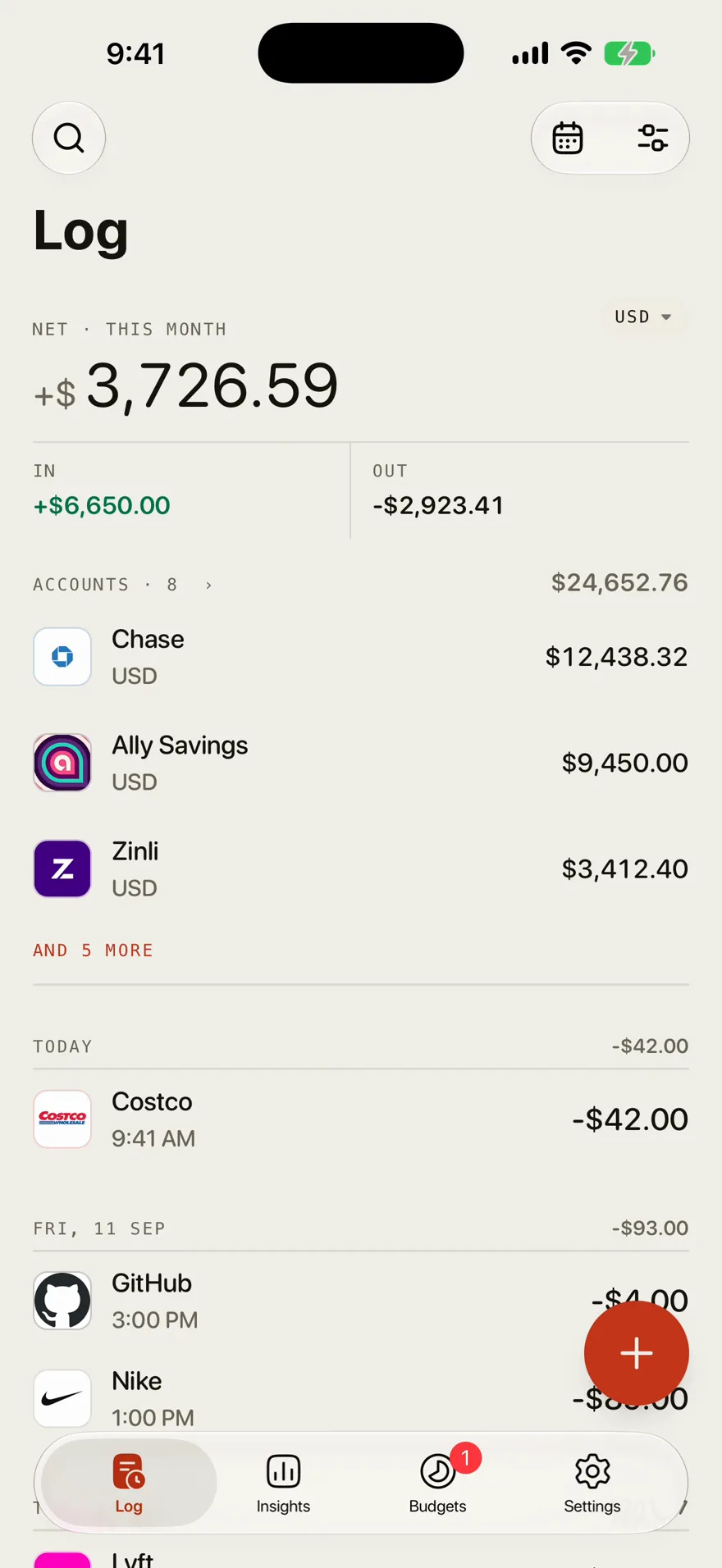
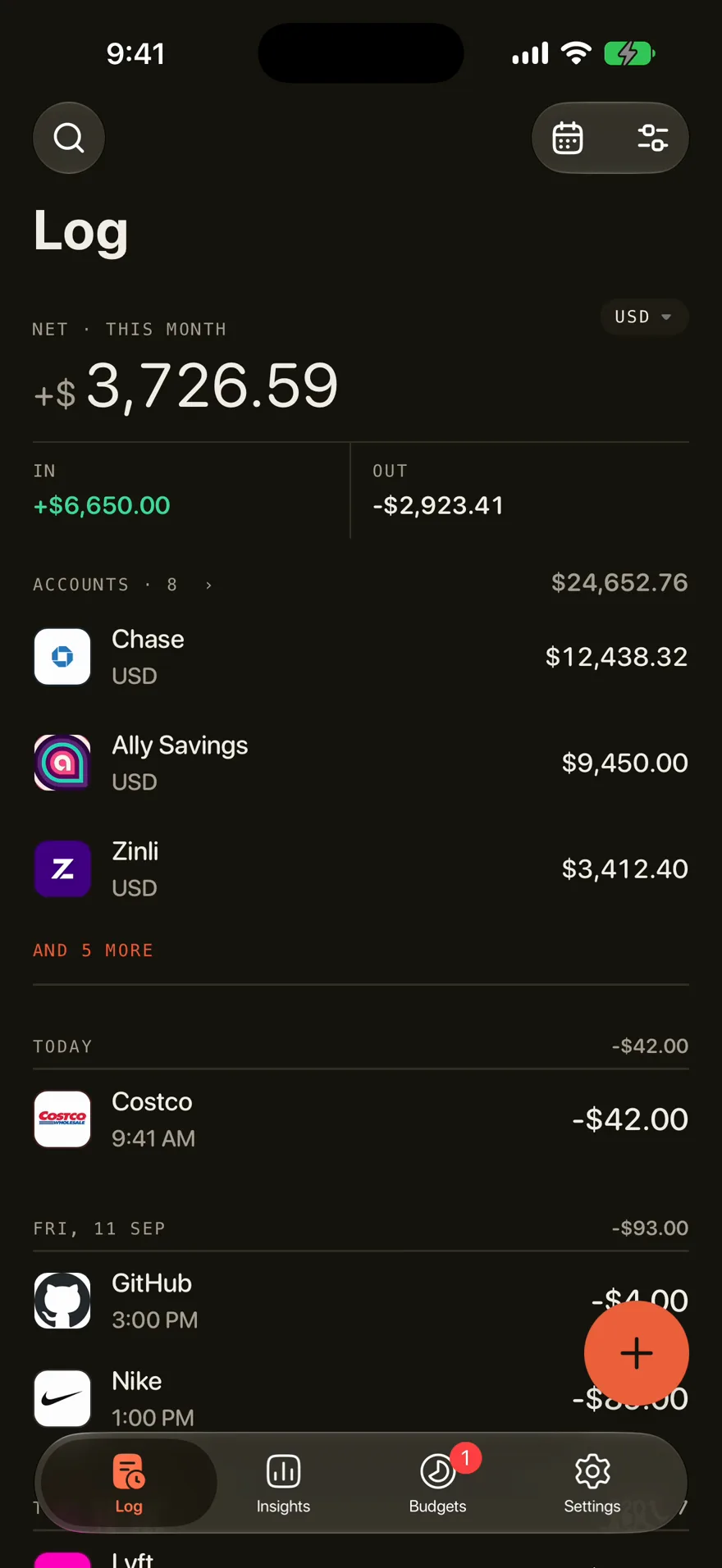
- Import
- Your Mint CSV, with its date, description, amount, type, and category columns matched for you
- Categories
- Mint's category names are matched to yours by AI matching
- Duplicates
- Rows that look already imported are flagged before you save
- Budgets
- A limit per category or per month, with where the pace ends
- After
- Log new purchases by sentence, voice, or receipt
- Needs
- Outlayr Pro and an account. Up to 5,000 rows a file
How it works
Find your Mint CSV
Save the CSV you exported from Mint to Files or iCloud Drive on your iPhone. Split it by year if it has more than 5,000 rows.
Import it
In Settings, tap Import data, then CSV file, and pick the file.
Review and save
Check the rows, leave out any marked as already imported, and tap Import.
Questions
What replaced Mint?
Intuit says Mint has been reimagined on Credit Karma. If you want a budget app instead, Outlayr imports the CSV you exported from Mint.
Can I import my Mint data into Outlayr?
Yes, with Outlayr Pro, if you exported a CSV from Mint. Outlayr reads its date, description, amount, type, and category columns, matches Mint's category names to yours with AI, and flags rows that look already imported before you save. A file can hold up to 5,000 rows, so split a longer export by year.
Is Outlayr free like Mint was?
Logging, budgets, goals, and subscriptions are free. Importing a Mint file needs Outlayr Pro, because Mint's category names are matched to yours with AI. Pro is billed monthly or yearly, or bought once.