Log Apple Pay purchases as you pay.
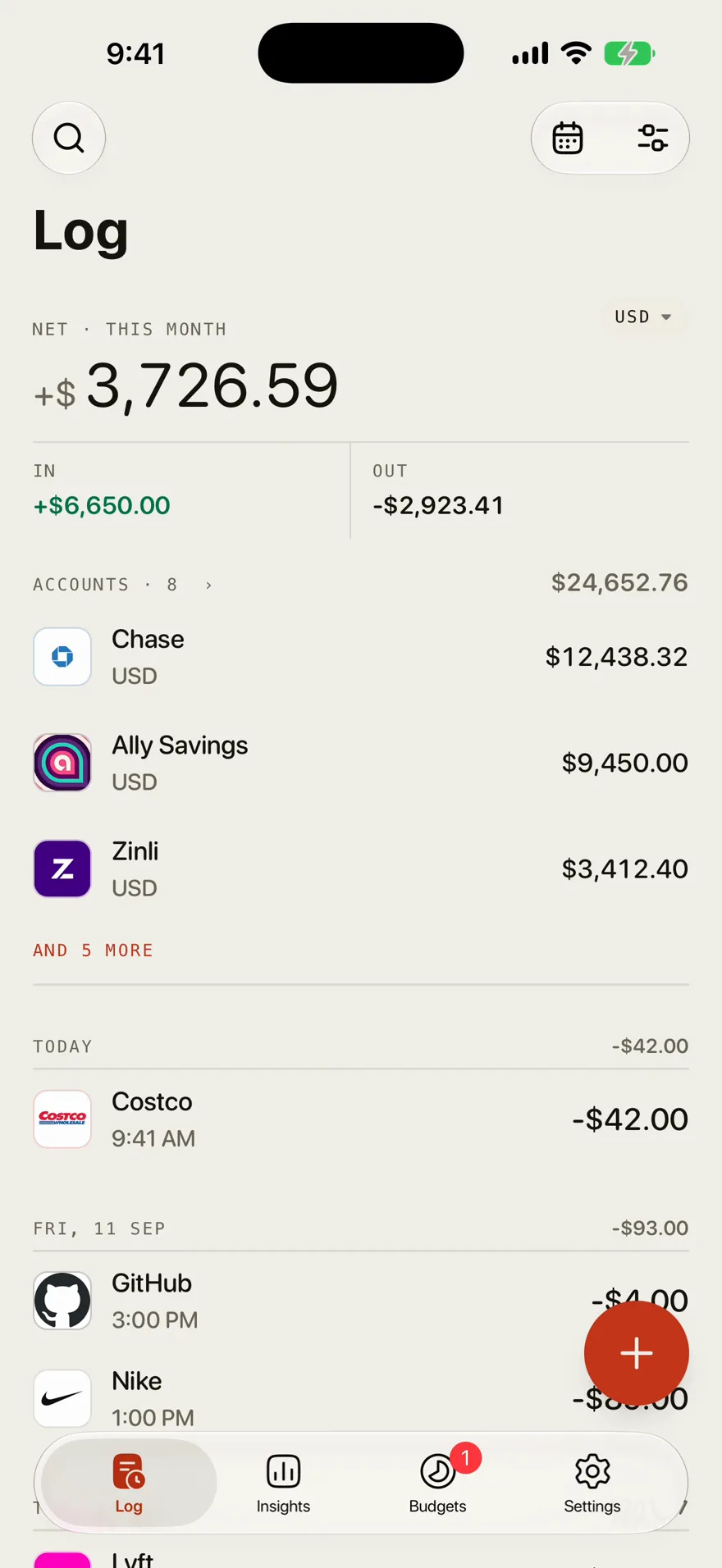
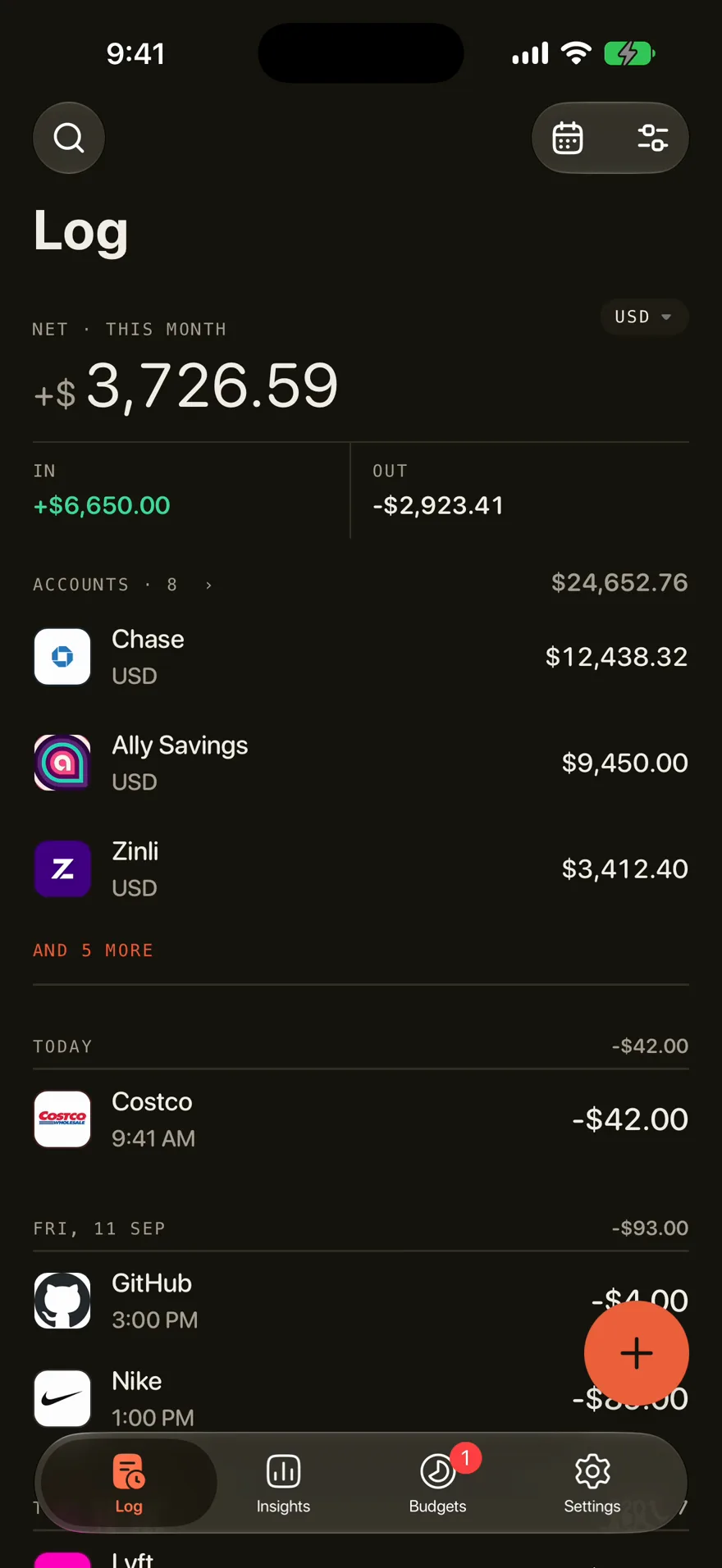
On iPhone, Outlayr logs each Apple Pay purchase when you tap your card. A Shortcuts automation sends the amount, the merchant, and the card to the Log.

- Trigger
- A Wallet automation in the Shortcuts app
- Logged
- The amount, the merchant, and the card you paid with
- Cards
- Each card files under the account you choose
- Setup
- In Settings, under Apple Pay. On iOS 27, one shortcut installs it
- Bank apps
- A purchase notification from a bank app can log the same way
- Runs on
- iPhone
How it works
Open Settings, then Apple Pay
On iOS 27, get the shortcut. On earlier versions, follow the steps there to add the automation by hand.
Turn it on in Shortcuts
The automation arrives turned off. Turn it on and pick the cards that should log.
Pay as usual
Each tap lands on the Log. The card then shows up in Settings, where you choose its account.
Questions
Does Outlayr log Apple Pay purchases automatically?
Yes, on iPhone. Once the Shortcuts automation is on, each Apple Pay tap is logged in Outlayr with its amount and merchant.
Which account does an Apple Pay purchase go to?
Each card you pay with shows up in Settings, under Apple Pay. You choose the account its purchases go to.
What about cards that are not in Apple Pay?
A second automation reads the purchase notification from your bank's app and logs the amount and the merchant from its text.