Plan a budget and see where this pace ends.
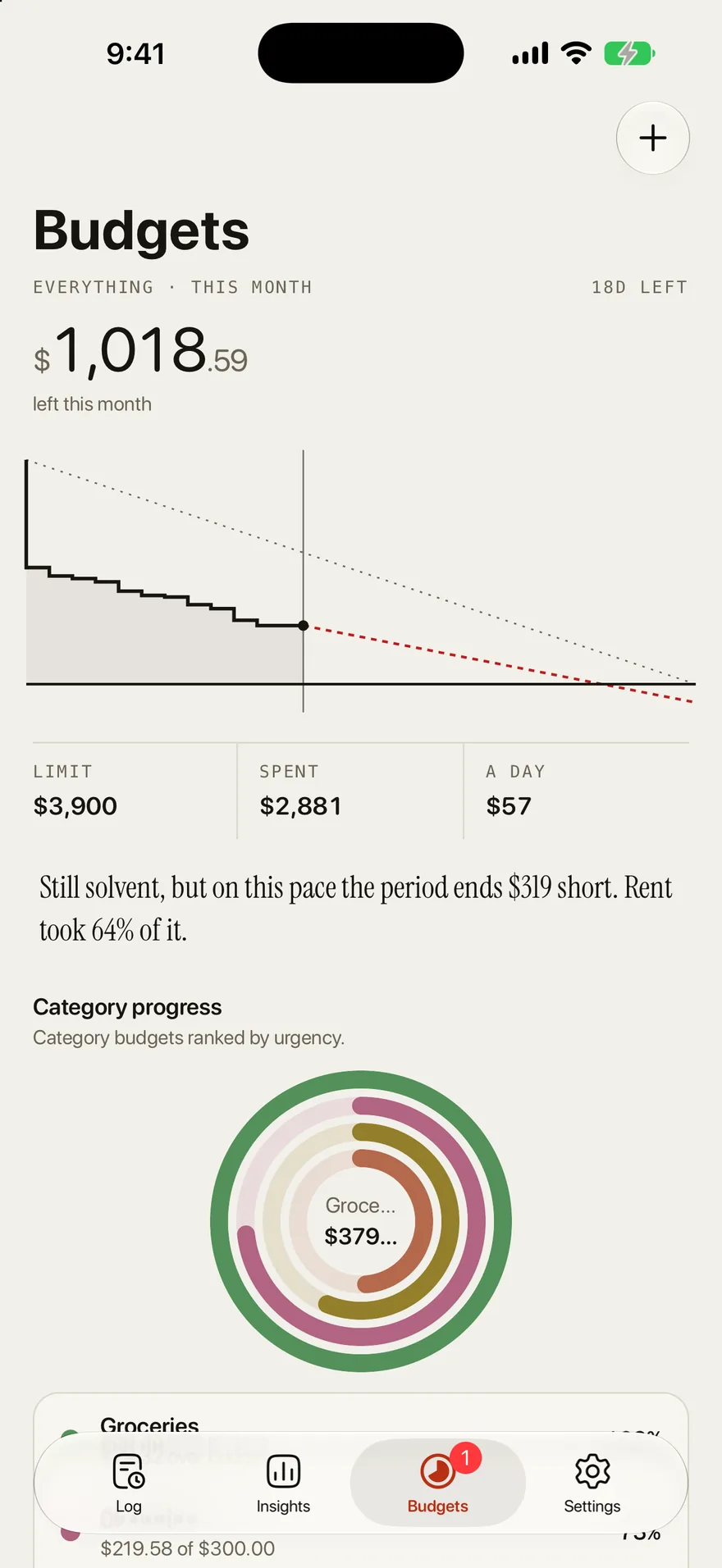
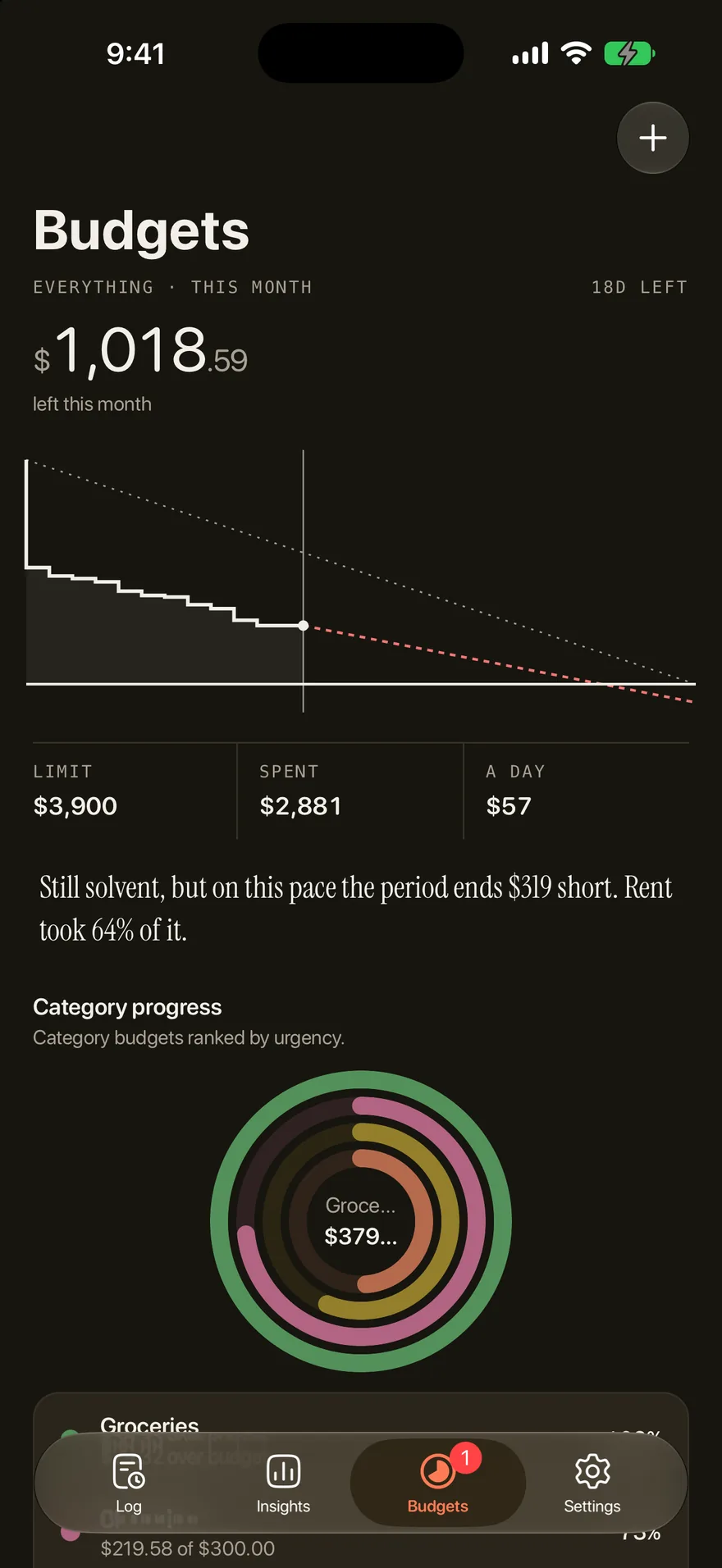
Outlayr sets a budget per category or one for the whole month, carries over what you did not spend, and says where your current pace ends before the month does.

- Limits
- One per category, or one overall budget
- Periods
- A day, a week, a month, or a year
- Carry-over
- What you don't spend is added to the next period, and what you overspend is taken off it
- Pace
- How far short this pace ends, or the day the money ran out
- Month start
- Any day of the month, like payday
- Free plan
- 2 category budgets. Unlimited with Pro
How it works
Set a limit
On Budgets, pick a category or set one limit for the month. Categories without a budget show what you typically spend.
Log as you spend
Each entry updates what is left and the pace, whether you type, say, or scan it.
Read the pace
If this pace runs past the limit, Budgets says by how much, or the day the money ran out.
Questions
Can Outlayr plan a monthly budget?
Yes. Set a limit per category or one for the whole month, and Outlayr shows what is left and where your current pace ends as you log.
Can my budget month start on payday?
Yes. In Settings, under Time frames, pick the day your month starts. Budgets and insights then run from that day, so a month can start on payday.
What happens to money I don't spend?
Turn on carry-over for a budget and what you don't spend is added to the next period. If you overspend, the difference is taken off the next one.