Track expenses in any currency, at home or on a trip
Outlayr logs each purchase in any of 165 currencies, from dollars and pesos to bolívares, and converts budgets and totals to your main currency at the rate from the day you paid. It works the same on a trip abroad and at home with more than one currency.
Key takeaways
- Outlayr logs each purchase in any of 165 currencies and converts budgets and totals to your main currency at the rate from the day you paid.
- Rates come from Open Exchange Rates and refresh every hour. For bolívares you can pick the BCV rate, or type the rate you got for any currency.
- Entries you already logged do not change when the rate moves.
- The free plan holds accounts in 2 currencies. Outlayr Pro allows any number.


- Currencies
- 165, from the US dollar to the Venezuelan bolívar
- Rate
- From the day of the purchase, or one you type
- Accounts
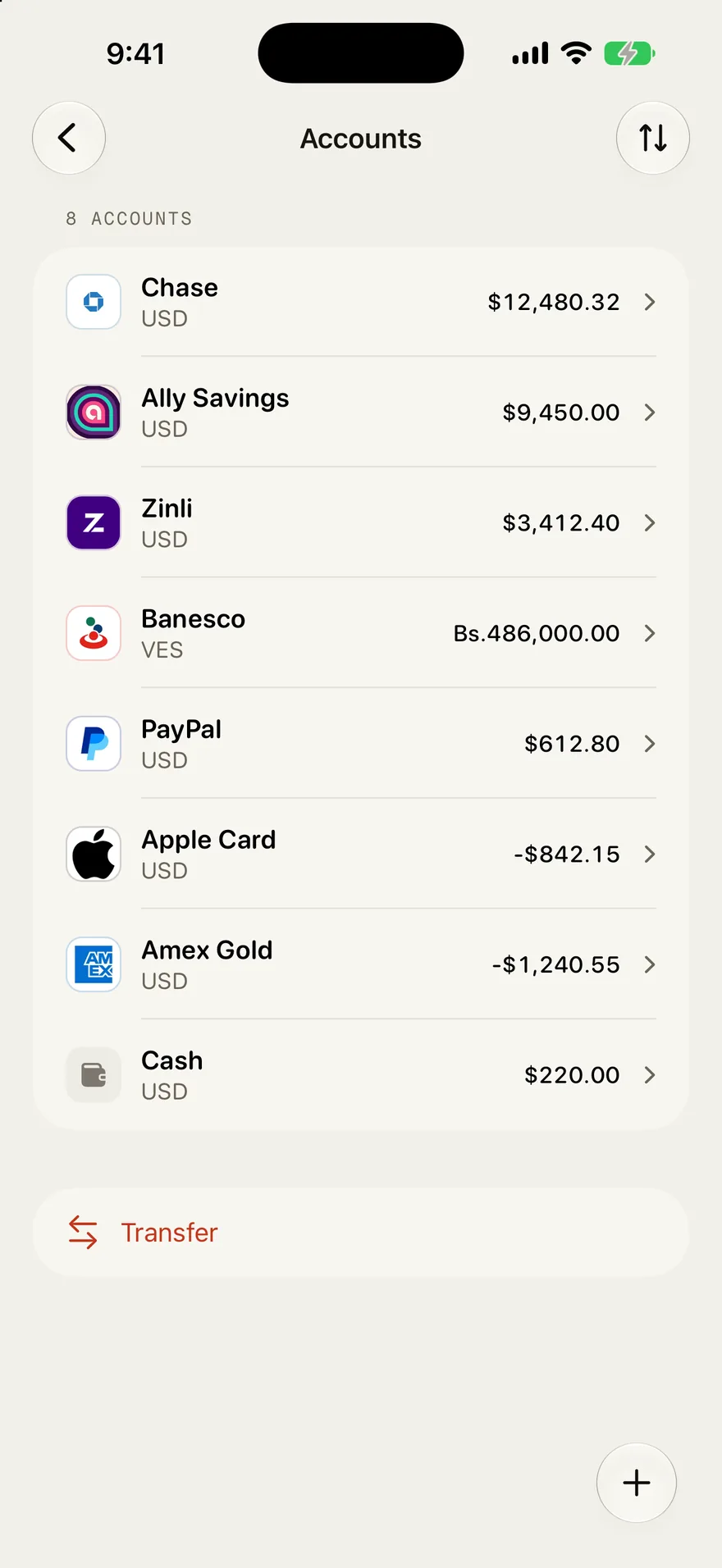
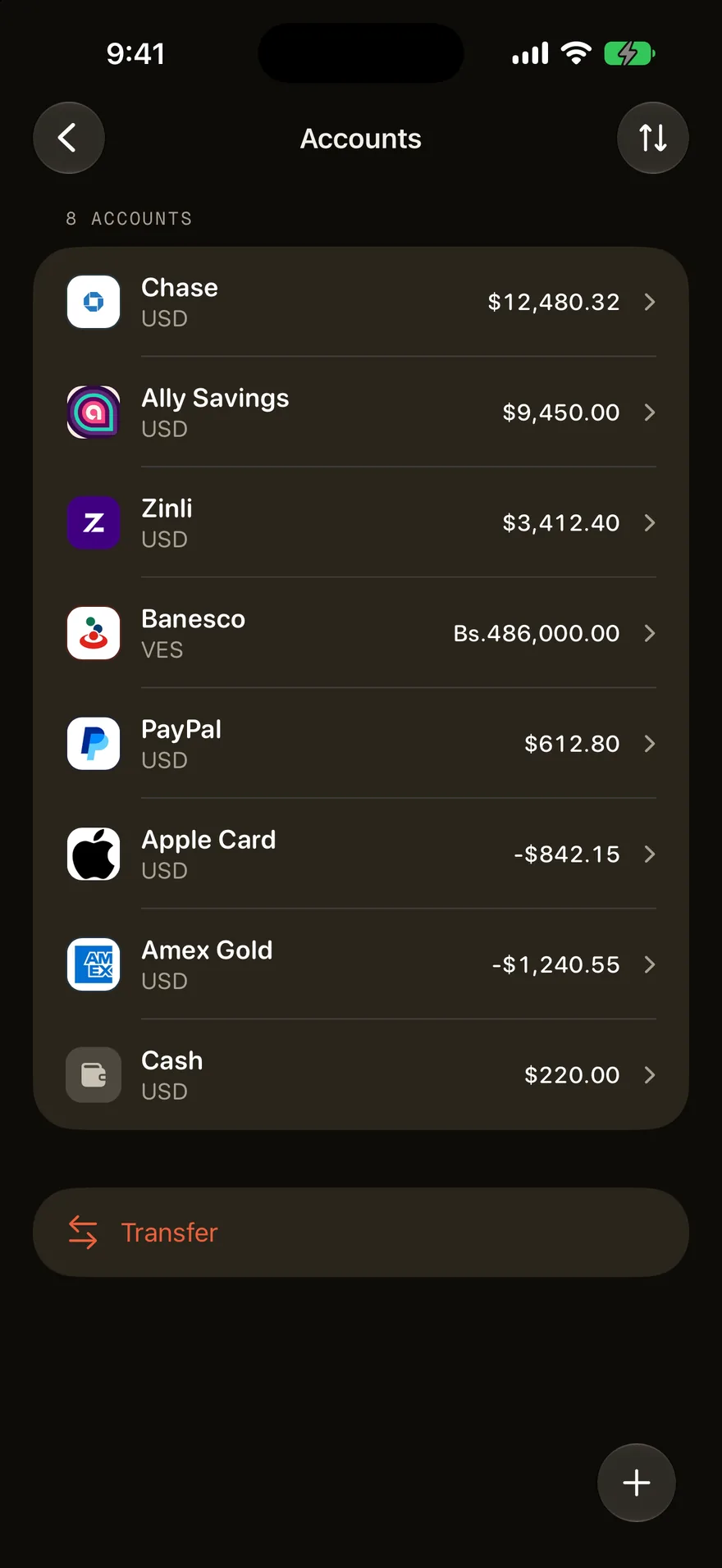
- Each keeps its own currency and balance
- Transfers
- Move money between currencies without counting it as spending
- Totals
- Budgets and insights read in your main currency
- Free plan
- Log expenses in any currency. Accounts in 2 currencies, more with Pro
How it works
Pick your main currency
Every total, budget, and chart reads in it.
Log each purchase in the currency you paid
Tap the currency in the sentence and pick the one on the receipt.
Read one total
Each entry converts at the rate from its own day.
Where the rates come from
Outlayr is a multi-currency expense tracker that keeps the rate it used next to every entry. Rates for its 165 currencies come from Open Exchange Rates and refresh every hour. The Banco Central de Venezuela (BCV) rates for the dollar and the euro come from Cotizave.
Each rate shows how fresh it is, like As of 09:05 for one fetched today, or 3 days old when the newest rate is older than the day of the entry. If there is no rate yet for that day, Outlayr says so, and the entry counts in dollars once it has one.
The rate of the day, or the one you got
When you log a purchase in another currency, the sentence also shows what it comes to in dollars and which rate did it, like $21.70 at the official rate. That is the rate from the day of the purchase, and it stays with the entry, so what you already logged doesn't move when the market does.
To use another rate, tap the rate in the sentence and pick one, or choose My rate and type the rate you actually got. Outlayr shows the last rate you typed so you can reuse it. You can also tap the dollar amount and type what you paid in dollars, and Outlayr works out the rate from the two amounts.
Dollars and bolívares in Venezuela: the BCV rate or the one you paid
For a purchase in bolívares, Outlayr offers USD (BCV) and EUR (BCV), both from the central bank's published rates, and My rate for the rate you actually paid.
If a shop priced something in dollars and charged you in bolívares, log the bolívar amount, tap the dollar amount, and type the dollar price; the rate comes out of the two. Changing dollars into bolívares between your own accounts is a transfer, not spending.
On a trip
On a trip, log each purchase in the currency on the receipt as you go, and every total still reads in your main currency. Each account keeps its own currency and balance, so a dollar card and cash in euros stay apart. You can log in any of the 165 currencies on any plan; the free plan holds accounts in 2 currencies, and Outlayr Pro in as many as you need.
Splitting costs with friends? The split expenses calculator works out who pays whom, once you agree on one currency and a rate.
Questions
Can I track expenses in dollars and bolívares in the same app?
Yes. Log each purchase in the currency you paid, dollars or bolívares, and Outlayr adds everything up in your main currency. A bolívar purchase converts at the Banco Central de Venezuela (BCV) rate from that day, or at the rate you type. Changing dollars into bolívares between your own accounts is a transfer, not spending.
Does Outlayr use the BCV rate?
Yes. For a purchase in bolívares you can pick USD (BCV) or EUR (BCV), the rates the Banco Central de Venezuela publishes, which Outlayr gets through Cotizave. If you paid at a different rate, choose My rate and type it. The rate stays with the entry, so what you already logged does not change when the rate moves.
Which exchange rate does Outlayr use?
The rate from the day of the purchase, from Open Exchange Rates, or for bolívares the BCV rate published through Cotizave. Entries you already logged do not change when the rate moves. You can type your own rate when the one you got was different.
Can each account hold its own currency?
Yes. A dollar card, a bolívar bank account, and cash in euros each keep their own balance, and a transfer between them does not count as spending. The free plan holds accounts in 2 currencies. Outlayr Pro allows any number.
How many currencies does Outlayr support?
165. You can log a purchase in any of them on the free plan.
Track every expense in one sentence
Free to start. No ads on any plan.
Keep reading
Guides
Track expenses in Venezuela, in dollars and bolívares
Outlayr is an expense tracker for Venezuela that keeps dollars and bolívares in one place. Log each purchase in the currency you paid, pick the BCV rate or type the one you got, and read every total in your main currency.
Compare
Outlayr as a Spendee alternative
Spendee is a budget app with cash wallets in several currencies and bank sync in its Premium plan.
Guides
Budget in the currency you earn and track what you send home
If you're paid in dollars or euros and part of it reaches home as bolívares or pesos, Outlayr lets you see it all in one place. Pick the currency you earn in, log what you send as a transfer between your accounts or as an expense, and budget in that currency. Outlayr keeps the record. It doesn't send the money.